- Slide 1Intro to Passkeys
Intro to Passkeys
WebAuthn, RP IDs, and what JavaScript developers need to ship
Ben Houston · 2026-03-19
Passkeys bring public-key authentication into the browser, which means less password reset pain, stronger phishing resistance, and a much better default sign-in flow.
- Slide 2Why Developers Should Care
Why Developers Should Care
Security and product wins
- No shared secret to steal from your database.
- Private keys stay on the authenticator.
- Login is bound to the site identity, not just a UI that looks convincing.
- Users approve with Face ID, Touch ID, Windows Hello, or a hardware key.
What changes in your app
- The browser becomes part of the auth protocol.
- Your server sends challenges and verifies signed responses.
- Your domain setup matters because the RP ID is part of identity.
- Recovery and fallback flows still matter for production.
- Slide 3Core Terms
Core Terms
Browser and standards
- WebAuthn: the browser API behind
navigator.credentials - FIDO2: the broader standard that includes WebAuthn
- Authenticator: the device or security module holding the private key
Site identity
- Relying Party (RP): your app or website
- RP ID: the domain name used as the WebAuthn site identifier
- Origin: the full
scheme://host:port
Protocol pieces
- Credential: the passkey, backed by a public/private key pair
- Challenge: a random, server-generated nonce
- Attestation: optional metadata about the authenticator at registration
- Assertion: the signed proof returned during login
- WebAuthn: the browser API behind
- Slide 4Registration vs Authentication
Registration vs Authentication
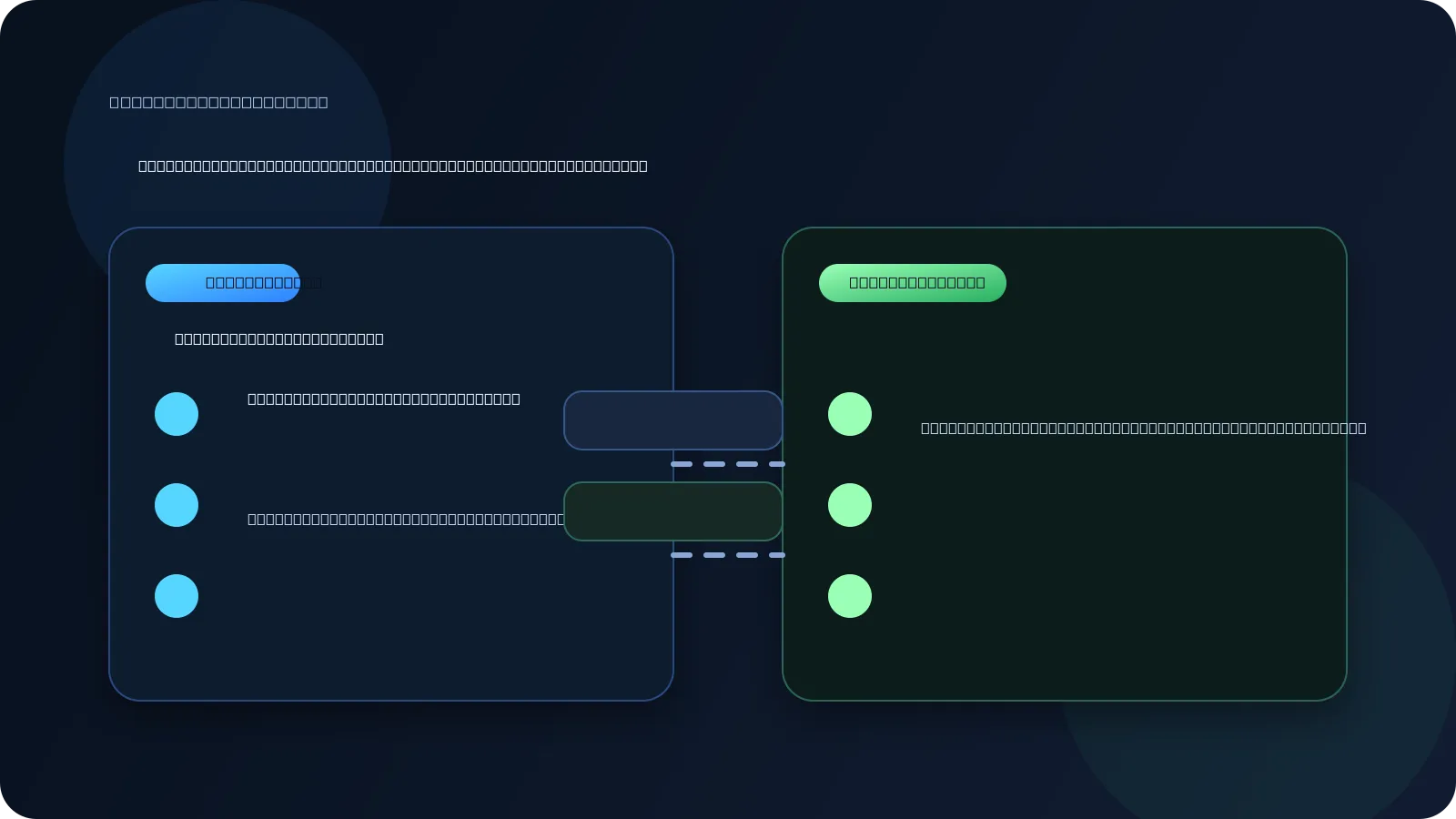
- Registration creates a new credential for your RP ID.
- The authenticator generates a key pair.
- The public key is stored on your server.
- The private key stays on the device or hardware key.
- Later, authentication signs a fresh challenge and your server verifies it.
- Slide 5The Browser API Surface
The Browser API Surface
Registration
const credential = await navigator.credentials.create({ publicKey: { challenge, rp: { id: 'example.com', name: 'Example App' }, user, pubKeyCredParams: [{ alg: -7, type: 'public-key' }], }, });challengecomes from your server.rp.idmust match your site identity rules.- The browser talks to the authenticator for you.
Authentication
const assertion = await navigator.credentials.get({ publicKey: { challenge, rpId: 'example.com', userVerification: 'preferred', }, });- Your server sends a fresh challenge again.
- The browser finds a matching credential.
- The authenticator signs the challenge response.
- Slide 6Two Valid Login UX Patterns
Two Valid Login UX Patterns
Account-first login
- Ask for email or username first.
- Look up the user's registered credentials.
- Request a passkey for that account.
- Feels familiar to users and product teams.
- Gives you clearer app-level control over the flow.
- Works well when passkeys are one option among several.
Passkey-first login
- Start WebAuthn immediately.
- Let the browser and OS find matching credentials.
- Let the user choose the right passkey if more than one exists.
- Feels magical when it works well.
- Avoids typing an identifier up front.
- Great when you want true discoverable-credential login.
- Slide 7RP ID: The Rule That Trips People Up
RP ID: The Rule That Trips People Up
- The RP ID is always a domain name. It never includes scheme or port.
example.comworks forhttps://example.comandhttps://app.example.com.app.example.comis narrower and only works for that exact subdomain.evil.comcannot claimexample.com; the browser rejects the request.
rp: { id: "example.com", name: "Example App" }
// later
rpId: "example.com"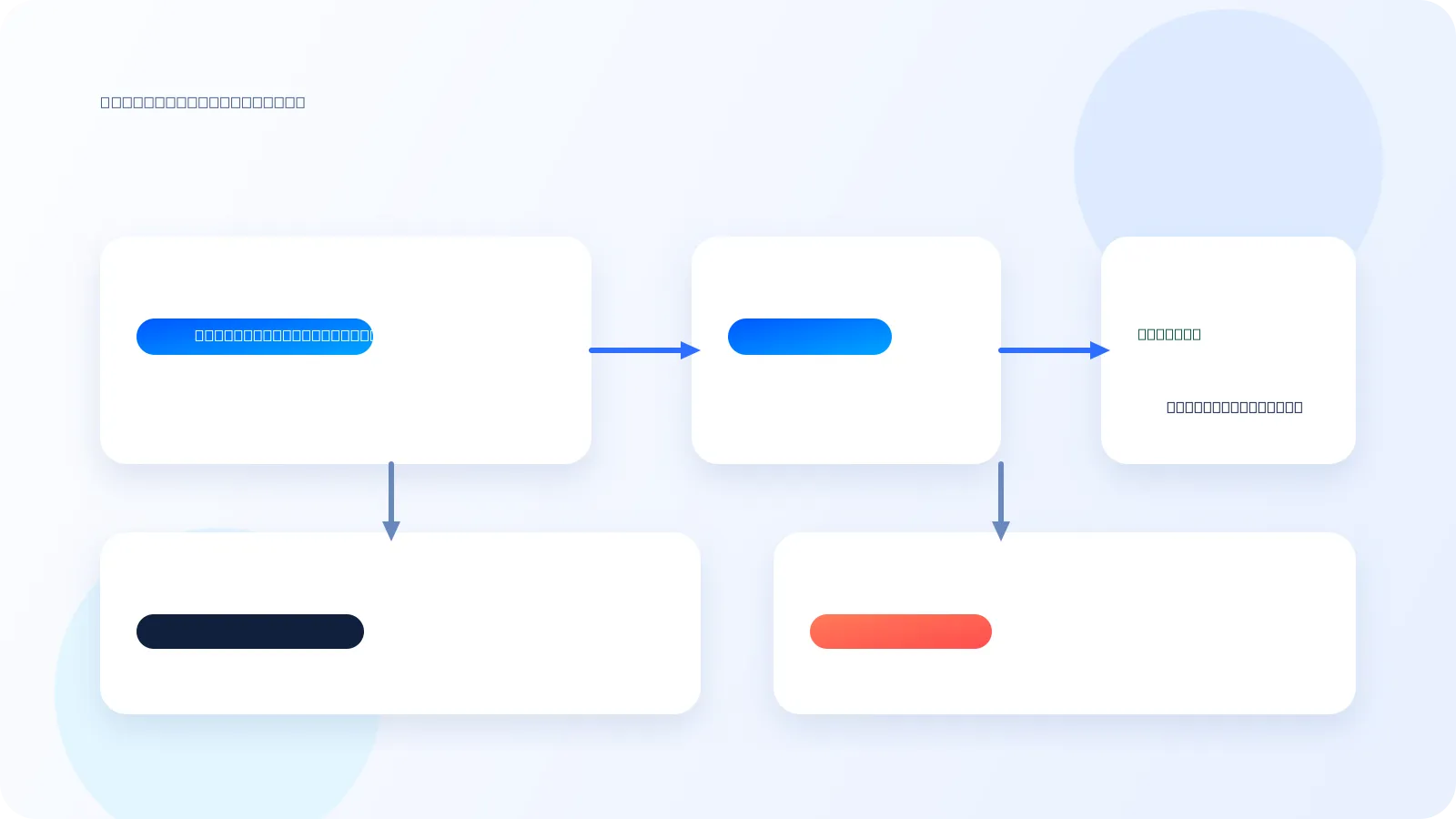
- Slide 8Why Phishing Resistance Works
Why Phishing Resistance Works
1. Browser validation
- The browser checks that the RP ID is compatible with the current page origin.
- You cannot call WebAuthn on
evil.comand pretend to begoogle.com.
2. Signed origin data
- The signed payload includes
clientDataJSON. - That data carries the full origin, such as
https://example.com. - Your server must verify it.
3. Fresh challenge
- Every ceremony uses a new random challenge.
- Replaying an old assertion should fail verification.
- The result is proof for this site, on this origin, right now.
- Slide 9`localhost` Is Special
`localhost` Is Special
What works in local development
Origin RP ID http://localhost:3000localhosthttp://localhost:8000localhosthttp://localhostlocalhostrp: { id: "localhost", name: "My Dev App" }Why this matters
localhostis treated as a secure context even without TLS.- Ports are ignored for RP ID identity.
- A credential created on
:3000can work on:8000. - This is convenient for dev, but those credentials are not portable to production domains.
- Slide 10Localhost Gotcha: Too Many Dev Passkeys
Localhost Gotcha: Too Many Dev Passkeys
What goes wrong
- If you develop multiple apps on
localhost, they all share the same RP ID. - You can accumulate multiple resident credentials bound to
localhost. - A passkey-first flow may show several choices with weak app-level distinction.
- The OS picker cannot always infer which local app you meant.
Practical ways to handle it
- Prefer account-first login in local development when the picker gets noisy.
- Periodically delete stale localhost passkeys from your device.
- Use separate local hostnames when you need cleaner isolation.
- Expect
localhostto be convenient for dev, but imperfect when many apps coexist.
- If you develop multiple apps on
- Slide 11What The Server Must Verify And Store
What The Server Must Verify And Store
Verification and storage
type RegistrationVerification = { challenge: string; origin: string; rpId: string; credentialId: Uint8Array; publicKey: Uint8Array; signCount: number; };- Verify the
challengematches what you issued. - Verify the
originmatches your allowed origins. - Verify the
rpIdmatches your configured site identity.
What you keep for later
credentialIdso you can look up the right passkey laterpublicKeyfor verifying future assertionssignCountas a cloned-key warning signal
If the signature counter goes backwards or stops behaving as expected, treat it as suspicious and trigger extra review or recovery.
- Verify the
- Slide 12Use Libraries, Not Raw Crypto
Use Libraries, Not Raw Crypto
Recommended stack
@simplewebauthn/server@simplewebauthn/browserbetter-authorlucia-authif you want passkeys inside a broader auth system
import { generateRegistrationOptions, verifyRegistrationResponse } from '@simplewebauthn/server';Why libraries matter
- WebAuthn has binary formats, origin checks, and edge cases.
- Good libraries already handle verification rules and browser quirks.
- You still own the challenge lifecycle, credential storage, and recovery UX.
- The hard product question is usually fallback and account recovery, not the API call itself.
- Slide 13Recovery: Why Email OTP Is A Strong Backup
Recovery: Why Email OTP Is A Strong Backup
Why email OTP works well
- Most users already secure their email accounts well.
- Email is broadly understood and already part of account recovery habits.
- It works across devices without teaching users a new recovery ritual.
- It is a better mainstream backup than asking users to store recovery codes they will lose.
Why not SMS or 6-digit authenticator codes
- SMS is weak against SIM swapping and carrier-level attacks.
- A 6-digit TOTP code is fine as a second factor, but weak as sole identity proof.
- Recovery codes are operationally hard for many users to keep safe.
- Passkeys plus email OTP is often the most practical product balance.
- Slide 14Common Implementation Mistakes
Common Implementation Mistakes
Identity mistakes
- Putting a port inside the RP ID
- Registering on one subdomain and expecting another RP ID to work
- Forgetting that local dev and production use different identities
Verification mistakes
- Skipping
originvalidation - Reusing challenges
- Treating passkeys as a frontend-only concern
Product mistakes
- No fallback when a user loses a device
- Assuming passkey-first discovery will stay clean on crowded
localhost - Over-investing in attestation before shipping the basics
- Hiding setup behind too much account ceremony
- Slide 15Practical Takeaways
Practical Takeaways
- Start with the mental model: registration creates a credential, authentication proves possession.
- Treat RP ID as site identity: domain only, shared across ports, scoped across subdomains.
- Verify on the server: challenge, origin, RP ID, signature, and counter behavior.
- Use a mature library and spend your time on UX, recovery, and rollout.
- For JavaScript teams, passkeys are mostly an integration problem, not a cryptography project.