Print View

Intro to Passkeys

Ben Houston · 2026-03-19 · 15 slides

Use the browser print dialog to print or save this deck as a PDF.

  1. Slide 1

    Intro to Passkeys

    WebAuthn, RP IDs, and what JavaScript developers need to ship

    Ben Houston · 2026-03-19

    Passkeys bring public-key authentication into the browser, which means less password reset pain, stronger phishing resistance, and a much better default sign-in flow.
  2. Slide 2

    Why Developers Should Care

    Security and product wins

    • No shared secret to steal from your database.
    • Private keys stay on the authenticator.
    • Login is bound to the site identity, not just a UI that looks convincing.
    • Users approve with Face ID, Touch ID, Windows Hello, or a hardware key.

    What changes in your app

    • The browser becomes part of the auth protocol.
    • Your server sends challenges and verifies signed responses.
    • Your domain setup matters because the RP ID is part of identity.
    • Recovery and fallback flows still matter for production.
  3. Slide 3

    Core Terms

    Browser and standards

    • WebAuthn: the browser API behind navigator.credentials
    • FIDO2: the broader standard that includes WebAuthn
    • Authenticator: the device or security module holding the private key

    Site identity

    • Relying Party (RP): your app or website
    • RP ID: the domain name used as the WebAuthn site identifier
    • Origin: the full scheme://host:port

    Protocol pieces

    • Credential: the passkey, backed by a public/private key pair
    • Challenge: a random, server-generated nonce
    • Attestation: optional metadata about the authenticator at registration
    • Assertion: the signed proof returned during login
  4. Slide 4

    Registration vs Authentication

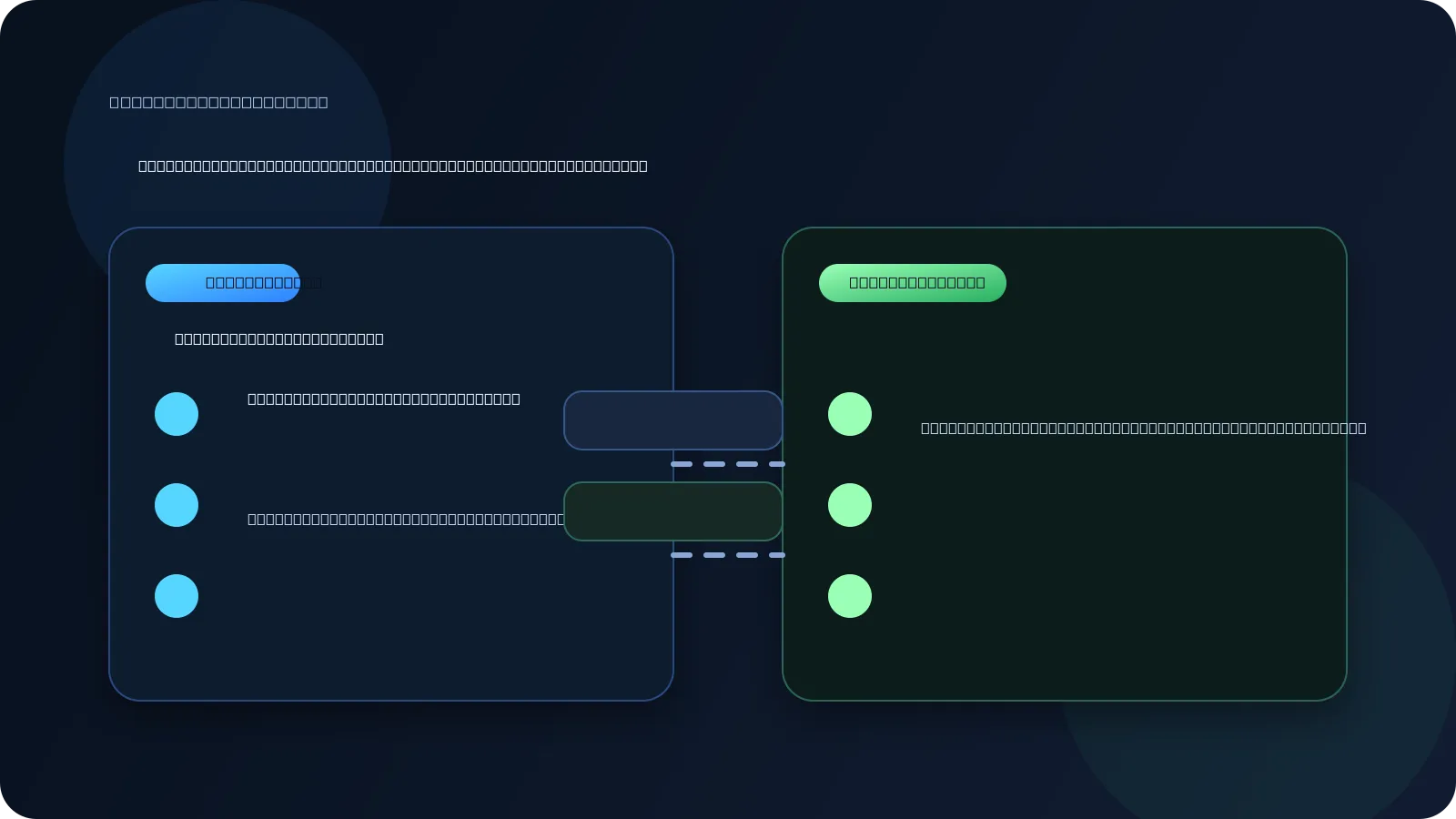
    Side-by-side diagram of passkey registration and authentication flows
    • Registration creates a new credential for your RP ID.
    • The authenticator generates a key pair.
    • The public key is stored on your server.
    • The private key stays on the device or hardware key.
    • Later, authentication signs a fresh challenge and your server verifies it.
  5. Slide 5

    The Browser API Surface

    Registration

    const credential = await navigator.credentials.create({ publicKey: { challenge, rp: { id: 'example.com', name: 'Example App' }, user, pubKeyCredParams: [{ alg: -7, type: 'public-key' }], }, });
    • challenge comes from your server.
    • rp.id must match your site identity rules.
    • The browser talks to the authenticator for you.

    Authentication

    const assertion = await navigator.credentials.get({ publicKey: { challenge, rpId: 'example.com', userVerification: 'preferred', }, });
    • Your server sends a fresh challenge again.
    • The browser finds a matching credential.
    • The authenticator signs the challenge response.
  6. Slide 6

    Two Valid Login UX Patterns

    Account-first login

    1. Ask for email or username first.
    2. Look up the user's registered credentials.
    3. Request a passkey for that account.
    • Feels familiar to users and product teams.
    • Gives you clearer app-level control over the flow.
    • Works well when passkeys are one option among several.

    Passkey-first login

    1. Start WebAuthn immediately.
    2. Let the browser and OS find matching credentials.
    3. Let the user choose the right passkey if more than one exists.
    • Feels magical when it works well.
    • Avoids typing an identifier up front.
    • Great when you want true discoverable-credential login.
  7. Slide 7

    RP ID: The Rule That Trips People Up

    • The RP ID is always a domain name. It never includes scheme or port.
    • example.com works for https://example.com and https://app.example.com.
    • app.example.com is narrower and only works for that exact subdomain.
    • evil.com cannot claim example.com; the browser rejects the request.
    rp: { id: "example.com", name: "Example App" } // later rpId: "example.com"
    Diagram showing RP ID and origin binding for WebAuthn
  8. Slide 8

    Why Phishing Resistance Works

    1. Browser validation

    • The browser checks that the RP ID is compatible with the current page origin.
    • You cannot call WebAuthn on evil.com and pretend to be google.com.

    2. Signed origin data

    • The signed payload includes clientDataJSON.
    • That data carries the full origin, such as https://example.com.
    • Your server must verify it.

    3. Fresh challenge

    • Every ceremony uses a new random challenge.
    • Replaying an old assertion should fail verification.
    • The result is proof for this site, on this origin, right now.
  9. Slide 9

    `localhost` Is Special

    What works in local development

    OriginRP ID
    http://localhost:3000localhost
    http://localhost:8000localhost
    http://localhostlocalhost
    rp: { id: "localhost", name: "My Dev App" }

    Why this matters

    • localhost is treated as a secure context even without TLS.
    • Ports are ignored for RP ID identity.
    • A credential created on :3000 can work on :8000.
    • This is convenient for dev, but those credentials are not portable to production domains.
  10. Slide 10

    Localhost Gotcha: Too Many Dev Passkeys

    What goes wrong

    • If you develop multiple apps on localhost, they all share the same RP ID.
    • You can accumulate multiple resident credentials bound to localhost.
    • A passkey-first flow may show several choices with weak app-level distinction.
    • The OS picker cannot always infer which local app you meant.

    Practical ways to handle it

    • Prefer account-first login in local development when the picker gets noisy.
    • Periodically delete stale localhost passkeys from your device.
    • Use separate local hostnames when you need cleaner isolation.
    • Expect localhost to be convenient for dev, but imperfect when many apps coexist.
  11. Slide 11

    What The Server Must Verify And Store

    Verification and storage

    type RegistrationVerification = { challenge: string; origin: string; rpId: string; credentialId: Uint8Array; publicKey: Uint8Array; signCount: number; };
    • Verify the challenge matches what you issued.
    • Verify the origin matches your allowed origins.
    • Verify the rpId matches your configured site identity.

    What you keep for later

    • credentialId so you can look up the right passkey later
    • publicKey for verifying future assertions
    • signCount as a cloned-key warning signal

    If the signature counter goes backwards or stops behaving as expected, treat it as suspicious and trigger extra review or recovery.

  12. Slide 12

    Use Libraries, Not Raw Crypto

    Recommended stack

    import { generateRegistrationOptions, verifyRegistrationResponse } from '@simplewebauthn/server';

    Why libraries matter

    • WebAuthn has binary formats, origin checks, and edge cases.
    • Good libraries already handle verification rules and browser quirks.
    • You still own the challenge lifecycle, credential storage, and recovery UX.
    • The hard product question is usually fallback and account recovery, not the API call itself.
  13. Slide 13

    Recovery: Why Email OTP Is A Strong Backup

    Why email OTP works well

    • Most users already secure their email accounts well.
    • Email is broadly understood and already part of account recovery habits.
    • It works across devices without teaching users a new recovery ritual.
    • It is a better mainstream backup than asking users to store recovery codes they will lose.

    Why not SMS or 6-digit authenticator codes

    • SMS is weak against SIM swapping and carrier-level attacks.
    • A 6-digit TOTP code is fine as a second factor, but weak as sole identity proof.
    • Recovery codes are operationally hard for many users to keep safe.
    • Passkeys plus email OTP is often the most practical product balance.
  14. Slide 14

    Common Implementation Mistakes

    Identity mistakes

    • Putting a port inside the RP ID
    • Registering on one subdomain and expecting another RP ID to work
    • Forgetting that local dev and production use different identities

    Verification mistakes

    • Skipping origin validation
    • Reusing challenges
    • Treating passkeys as a frontend-only concern

    Product mistakes

    • No fallback when a user loses a device
    • Assuming passkey-first discovery will stay clean on crowded localhost
    • Over-investing in attestation before shipping the basics
    • Hiding setup behind too much account ceremony
  15. Slide 15

    Practical Takeaways

    • Start with the mental model: registration creates a credential, authentication proves possession.
    • Treat RP ID as site identity: domain only, shared across ports, scoped across subdomains.
    • Verify on the server: challenge, origin, RP ID, signature, and counter behavior.
    • Use a mature library and spend your time on UX, recovery, and rollout.
    • For JavaScript teams, passkeys are mostly an integration problem, not a cryptography project.